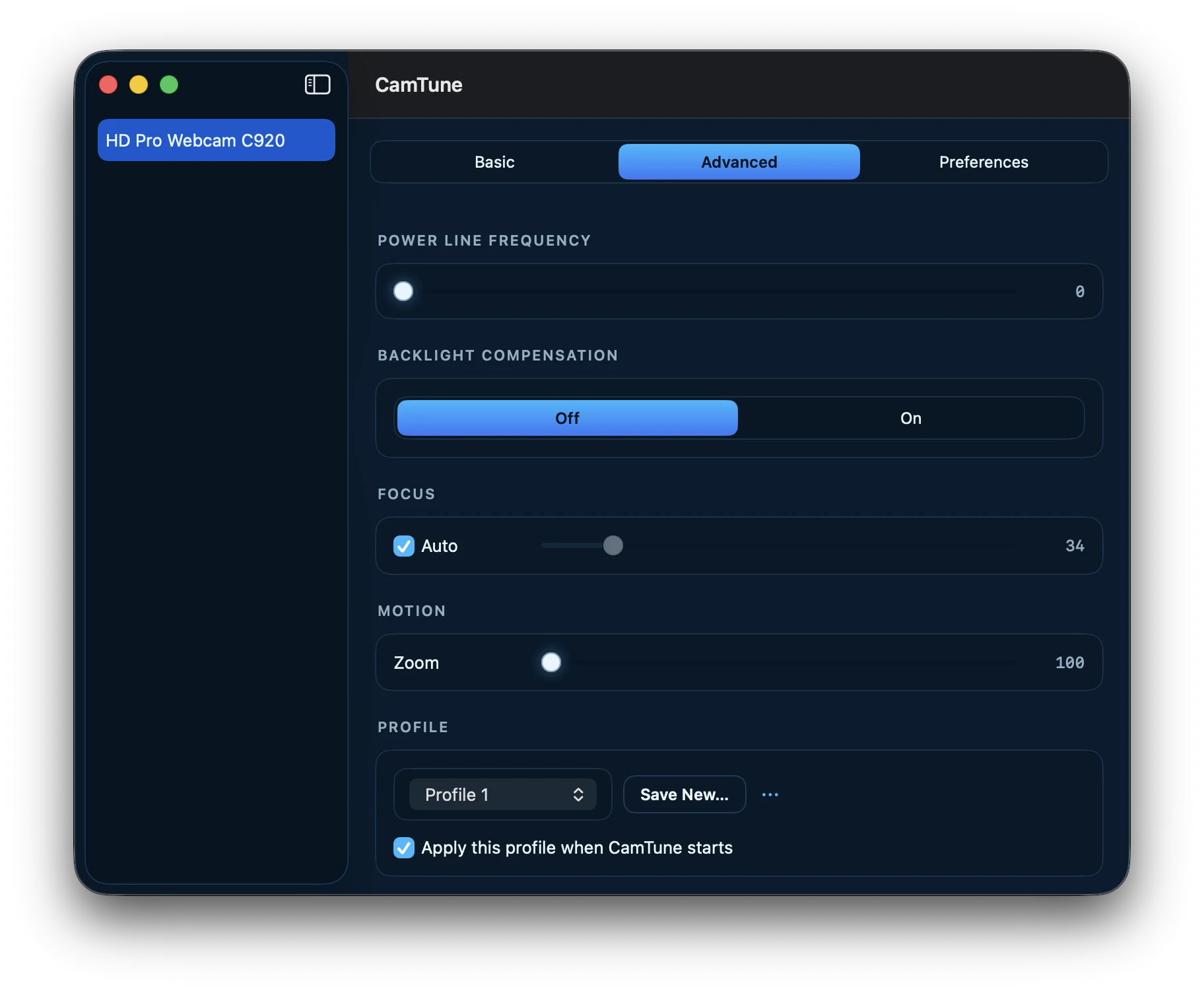
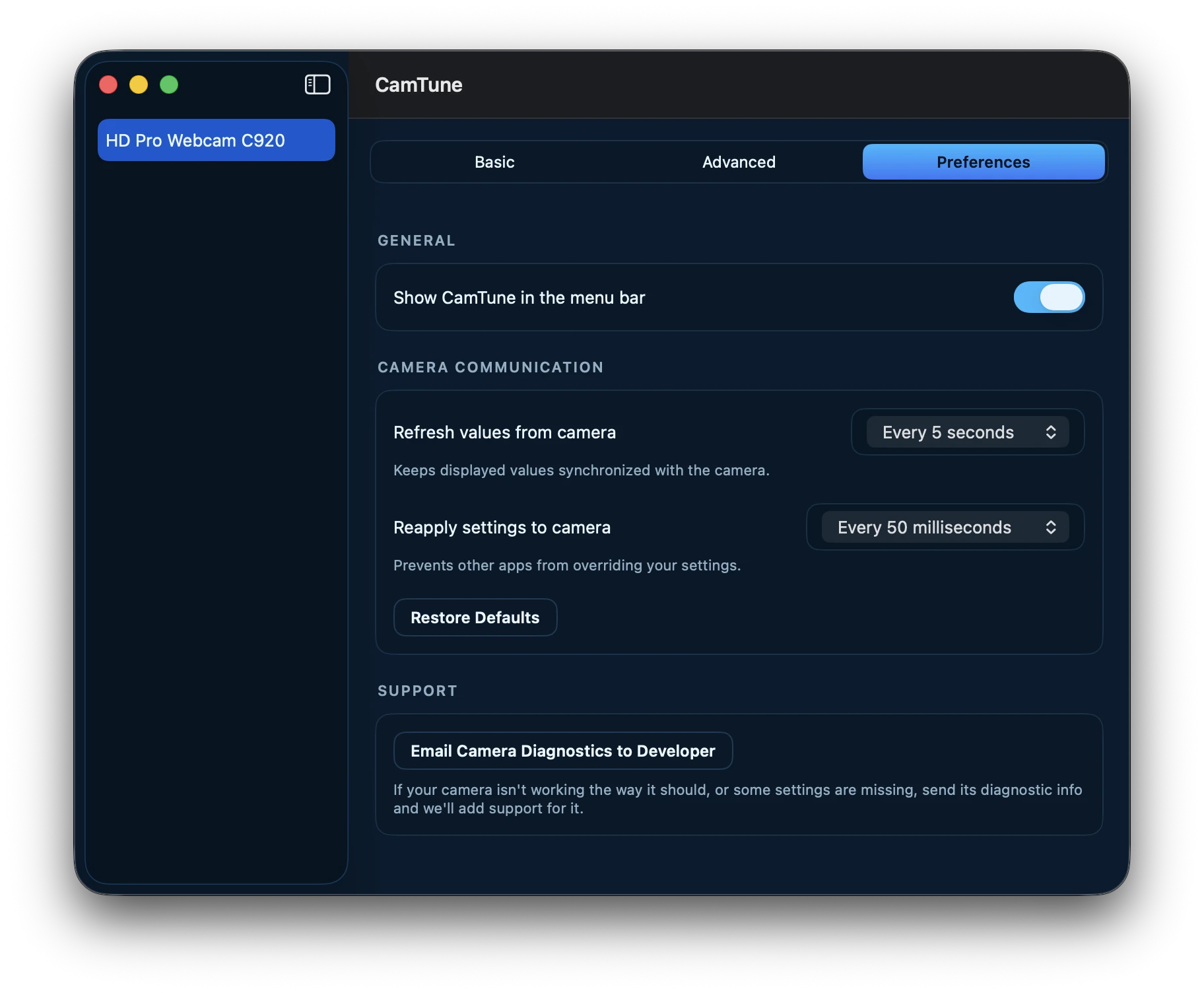
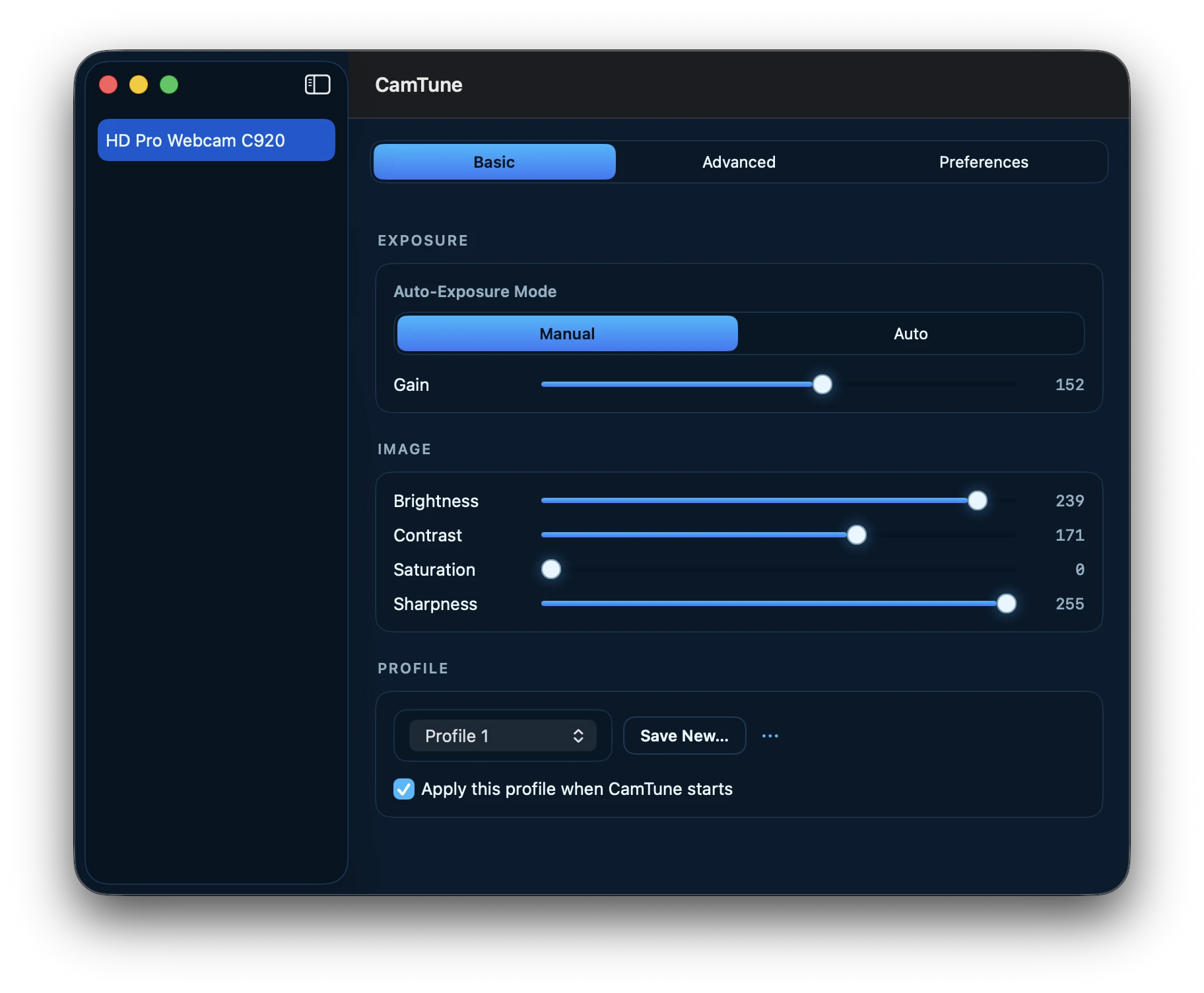
CamTune adjusts exposure, focus, white balance, and more directly on your camera's hardware — not through a filter layered on top of the picture.
The problem
Most "webcam" apps sit between your camera and your calls, reprocessing every frame to fake a better picture — burning CPU the whole time. CamTune never touches a single frame. It just tells the camera itself what to do.
Brighten, sharpen, and color-correct in software, after the sensor already got it wrong — spending CPU and battery on every single frame, forever.
Every control lives on the camera's own chip. Set it once and it's right for every app that uses the camera — no CPU spent, no filter to break.
Powered by CoreMediaIO
CamTune reads and writes your camera's real hardware controls through macOS's own CoreMediaIO framework — the same path Apple's UVCAssistant extension already uses. Drag a slider, and the change shows up instantly in FaceTime, Zoom, OBS, anything already looking at that camera.
Set it once
Save exactly how a camera should look as a profile, switch back to it in one click, or have it apply automatically the moment CamTune starts.
It only talks to your camera's hardware controls over CoreMediaIO. No capture session is ever started, no frame is ever read — CamTune couldn't show you your own video if it tried.
Pricing
Brightness and Contrast are free, forever — no account, no trial timer.